Every recipe you love.
In one place.
Save from websites, Instagram, TikTok, or cookbooks. Plan your week and build shopping lists — all on your iPhone.

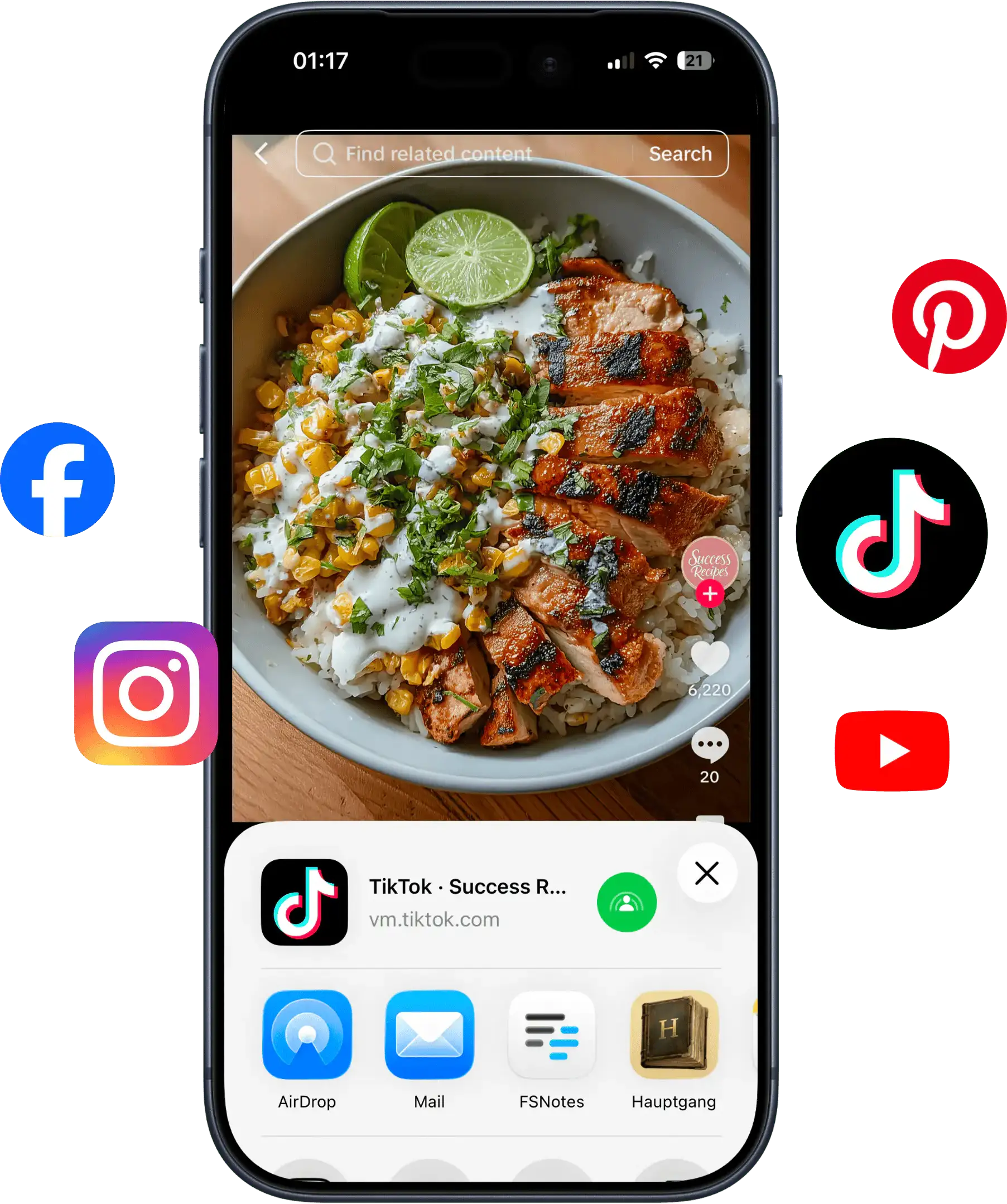
Rescue recipes from Instagram, TikTok, and YouTube.
Share a reel or video to Hauptgang and we transcribe the audio, read on-screen text, and turn it into a structured recipe you can actually cook from.
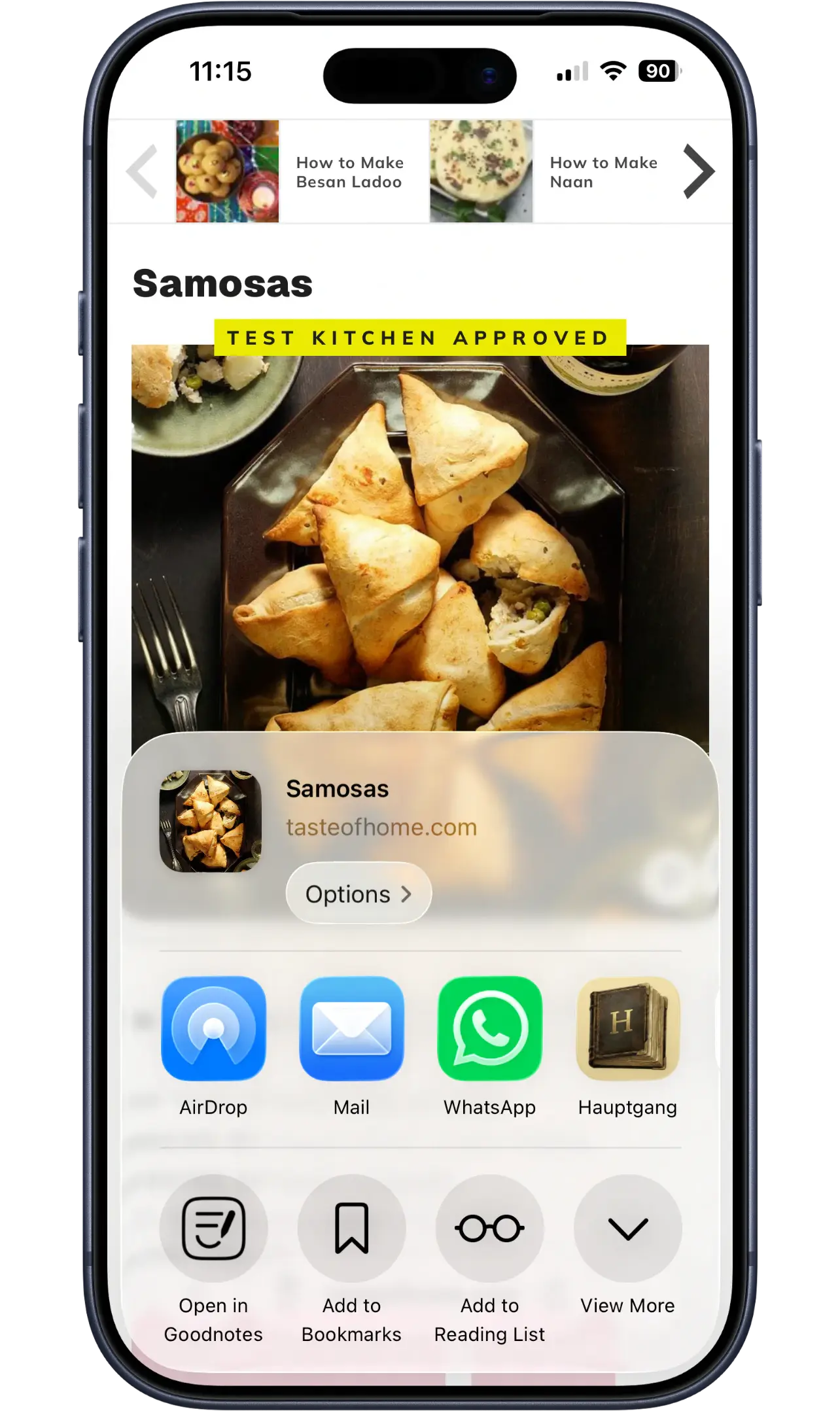
Save from any website.
Paste a link from any recipe site and Hauptgang pulls in the ingredients, steps, and photo automatically.
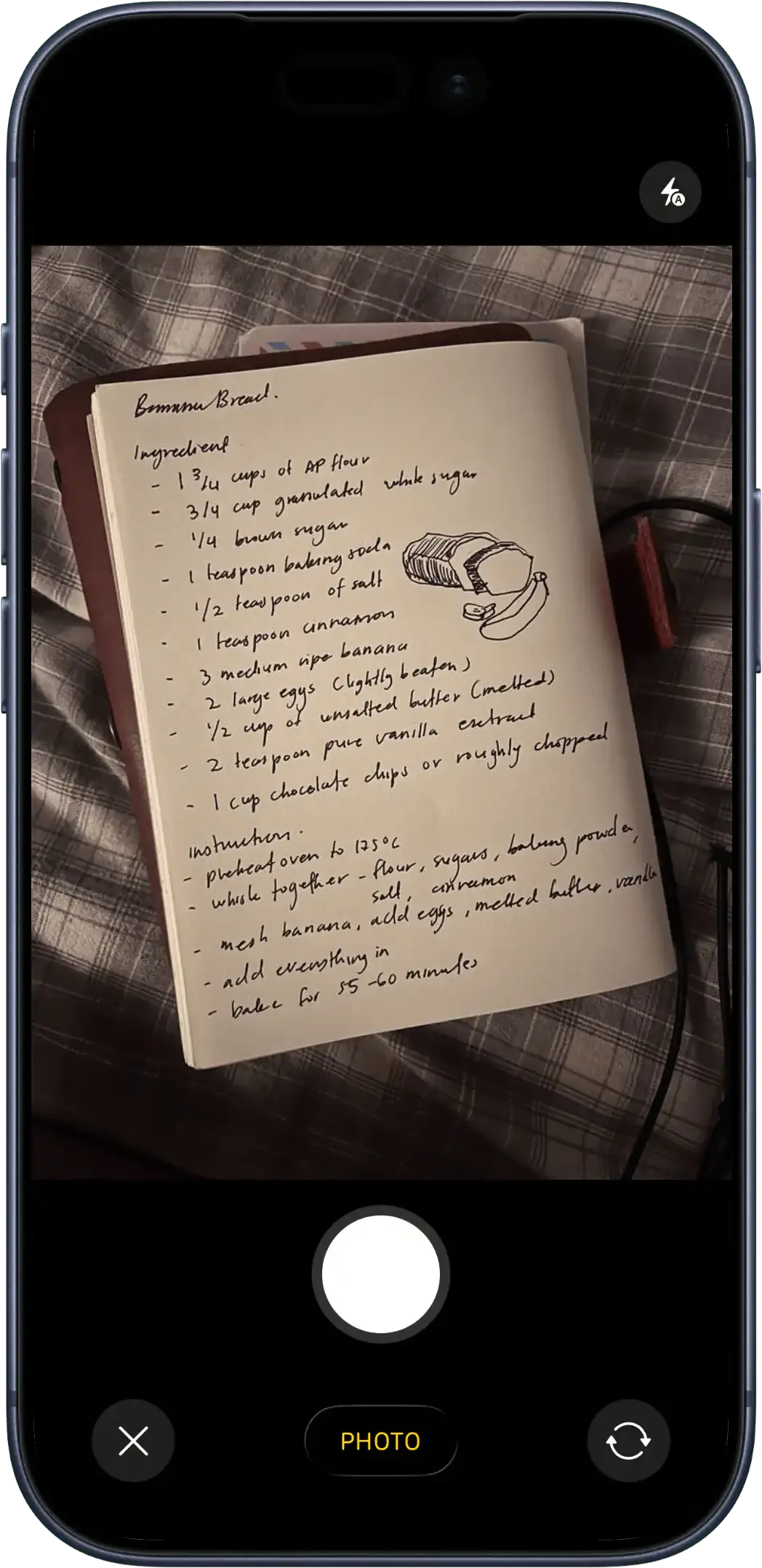
Snap a photo of a cookbook page.
Point your camera at grandma's handwritten card or an open cookbook. Hauptgang uses on-device OCR to turn the photo into an editable recipe in seconds.
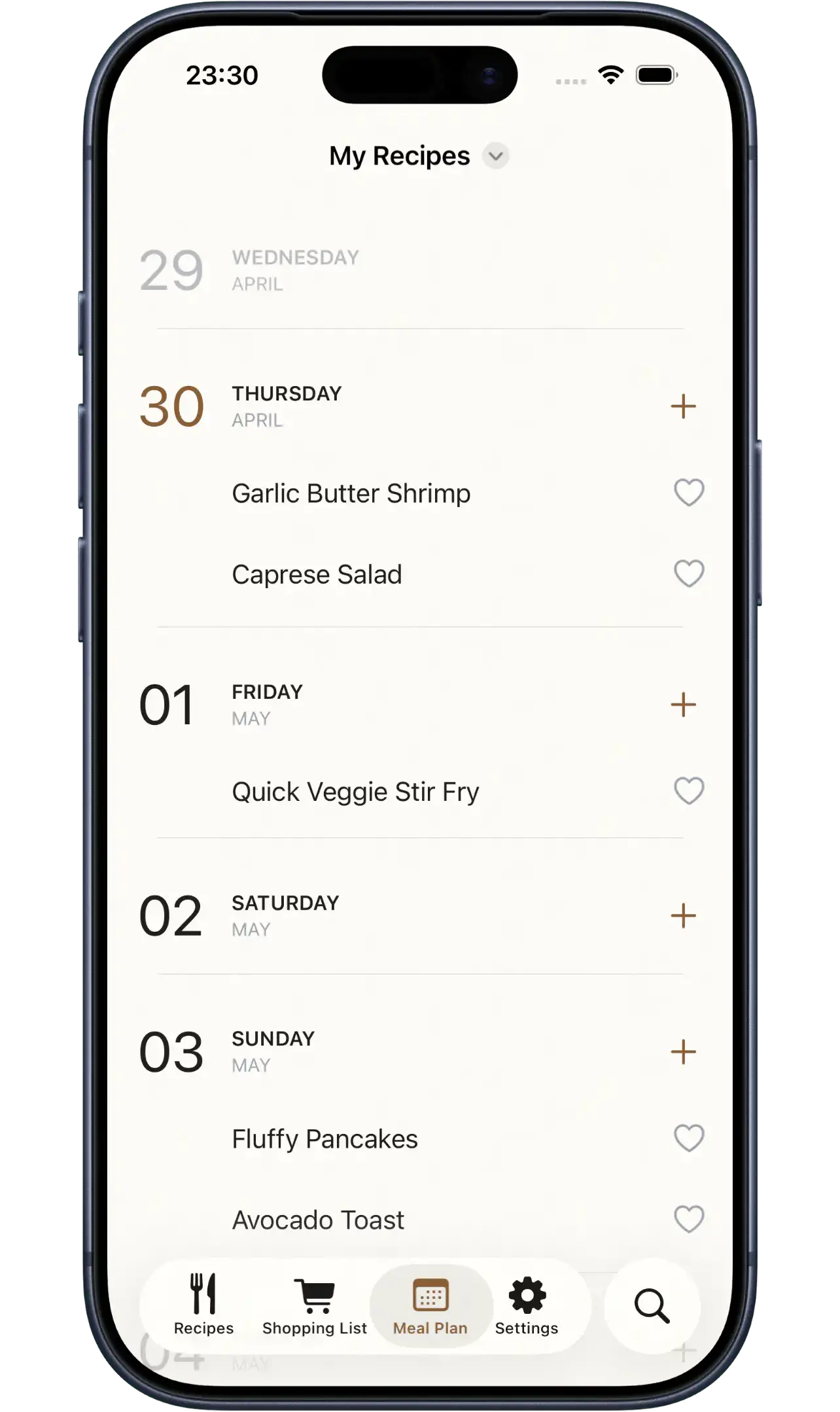
Plan the whole week at a glance.
Drop recipes onto any day of the week and see your meals laid out in a clean calendar. Rearrange, repeat, or swap dishes in seconds.
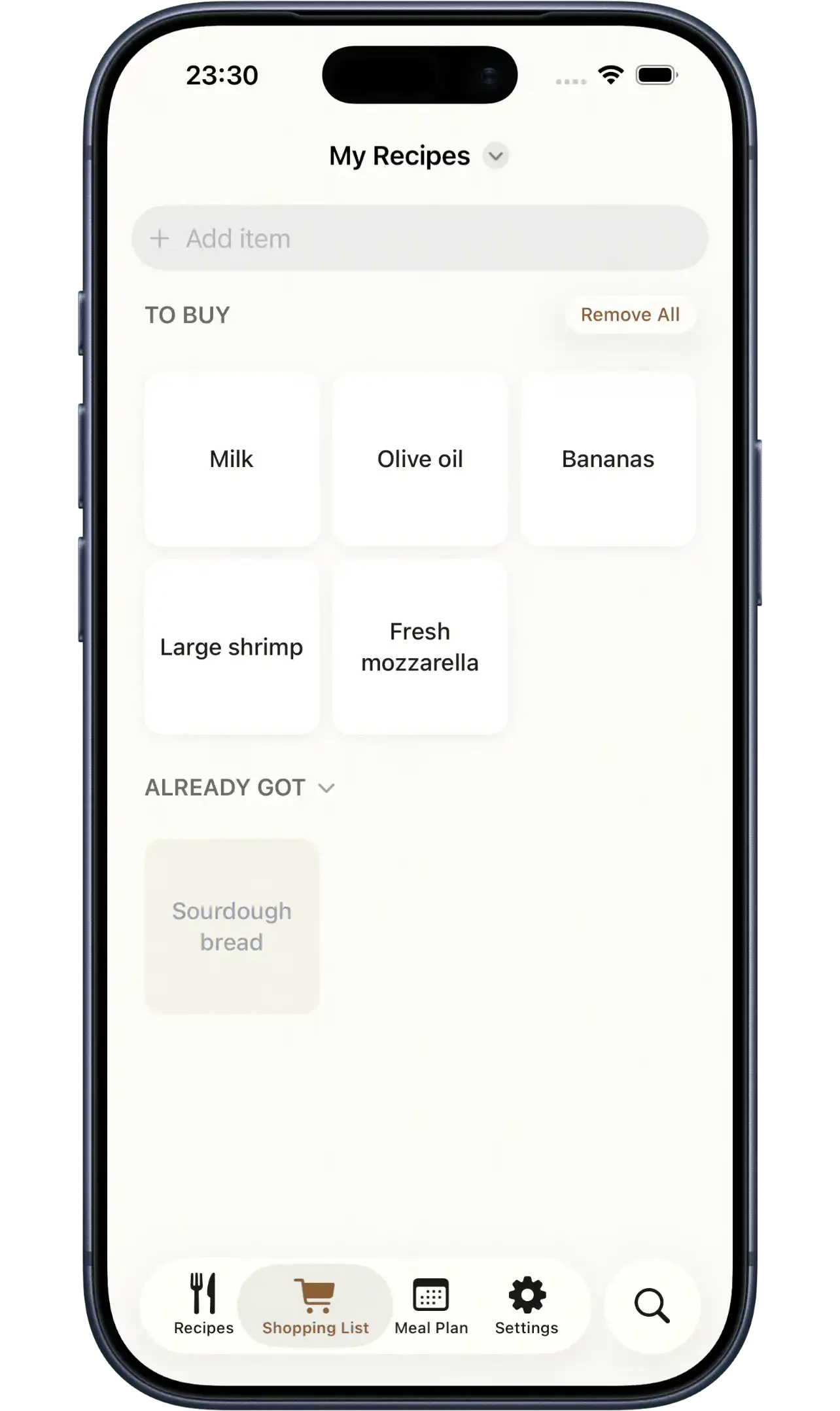
One shopping list, grouped by aisle.
Hauptgang turns your meal plan into a single, consolidated shopping list — quantities combined, items grouped by aisle.
Three steps to a tidier kitchen.
Download Hauptgang
Get the app and sign in with Apple.
Add your recipes
Share from social media or snap a photo.
Cook and plan
Generate shopping lists and plan your week.
Questions, answered.
Is Hauptgang free? +
Yes. The core features — saving recipes from URLs, social media, and photos, plus meal planning and shopping lists — are free to use.
Which platforms does Hauptgang support? +
Hauptgang is a native iOS app for iPhone and iPad. It syncs across all your Apple devices using iCloud.
Does it work offline? +
Yes. Once a recipe is saved, it lives on your device. You can cook from it without any internet connection.
How does social media import work? +
Share an Instagram, TikTok, YouTube, or Pinterest link to Hauptgang. The app transcribes the video audio, reads on-screen captions, and assembles a structured recipe with ingredients and steps.